Physical Address
304 North Cardinal St.
Dorchester Center, MA 02124

Christmas is just around the corner, and let’s be real: buying a gaming laptop in 2025 is a minefield. The market is flooded with confusing naming schemes, and if you’re not careful, you might end up gifting a machine that looks cool but throttles like crazy after 10 minutes of Warzone.
Whether you’re shopping for a college student who needs battery life or a hardcore gamer who wants raw power, we’ve done the heavy lifting. We skipped the spec-sheet fluff and focused on what matters: thermals, screen response times, and price-to-performance value.
Here are the top 5 gaming laptops that will actually make you the favorite person this holiday season.
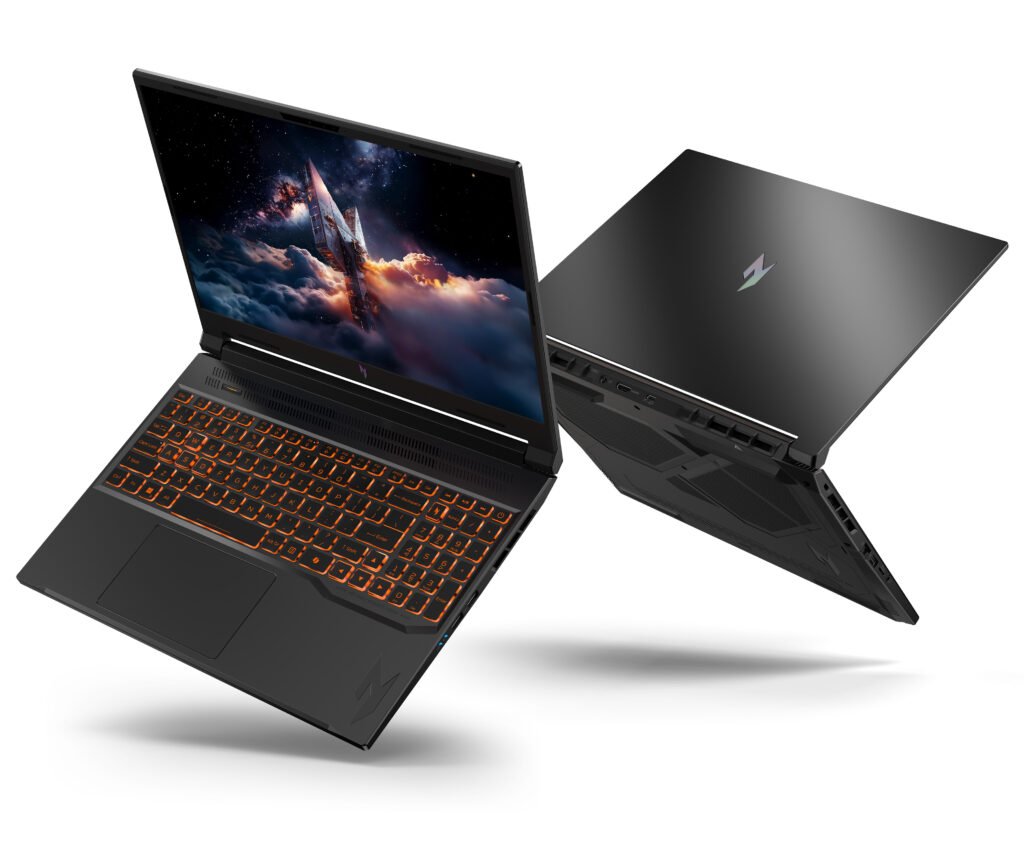
Best for : Students, casual gamers, and Fortnite/Valorant players.
Let’s be honest, “budget” gaming laptops usually mean terrible screens and creaky plastic. But Acer continues to kill it with the Nitro series. The 2025 refresh of the Nitro V isn’t trying to be a premium ultrabook—it’s an unpretentious workhorse.
Why it wins: It packs a punchy mid-range GPU (likely the updated RTX 4050/4060 equivalent) that can easily handle Esports titles at 144Hz.
The Trade-off: The fans can sound like a jet engine taking off when under heavy load, and the build is mostly plastic.
The Verdict: It’s not fancy, but it runs games smoothly without breaking the bank. A solid entry-level choice.
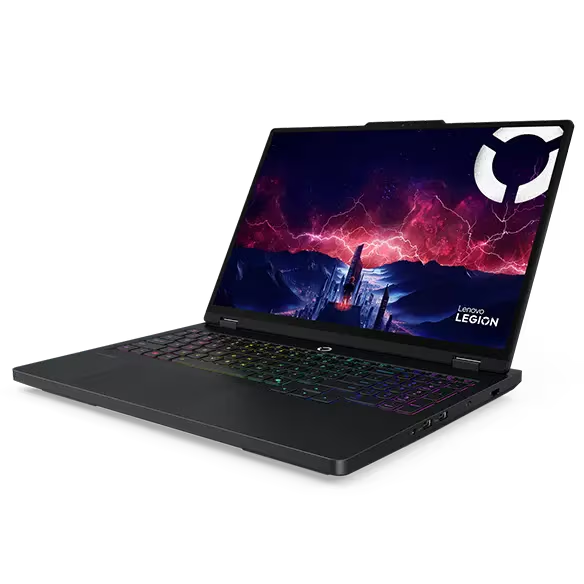
Best for : The savvy gamer who wants the best bang for their buck.
If you browse any tech subreddit like r/LaptopDeals, you’ll see the Legion series constantly recommended. Why? Because Lenovo has figured out the cooling.
This machine is the definition of “buttery smooth.” The cooling system is robust enough to let the GPU run at full wattage without thermal throttling. The keyboard is tactile and responsive (Lenovo legacy), and the 16-inch 165Hz display is crispy with decent color accuracy.
Pro Tip: Look for the configuration with the AMD Ryzen processor. They typically offer better battery life than their Intel counterparts, which is a lifesaver for students carrying this to class.
CPU: AMD Ryzen 7 260 Processor (8 Cores, 16 Threads, 16MB L3 Cache, Base Frequency at 3.8 GHz, Up to 5.1 GHz at Max Turbo Frequency)
Memory: Up to 64GB DDR5 RAM
Hard Drive: Up to 4TB PCIe M.2 SSD
Graphics: NVIDIA GeForce RTX 5060
Display: 15.1 OLED WQXGA (2560 x 1600),165Hz,500 Nits,100% DCI-P3
Weight: 4.1 lbs
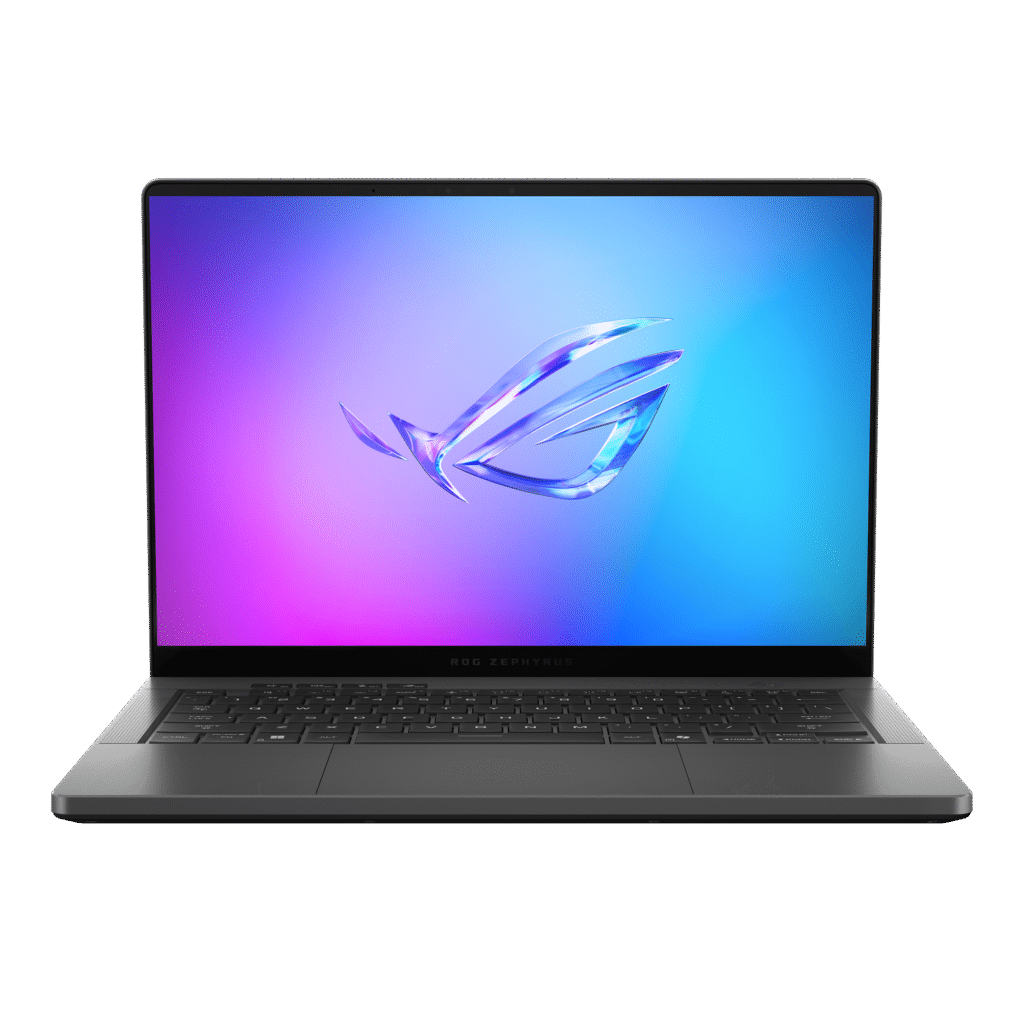
Best for : Creators, travelers, and people who care about aesthetics.
This is arguably the sexiest laptop on the market. The G14 isn’t just a gaming laptop; it’s a statement piece. It’s incredibly thin, lightweight, and features an OLED panel that makes colors pop like crazy. Blacks are inky deep, and HDR content looks insane.
Performance: Don’t let the size fool you. It packs a beefy GPU inside a 14-inch chassis.
The Experience: The speakers are surprisingly punchy for a laptop this small. However, because it’s so thin, the chassis can get toasty near the keyboard during long sessions.
Who is this for? The gamer who also needs to bring their laptop to a coffee shop or a business meeting without looking like they’re piloting a spaceship.
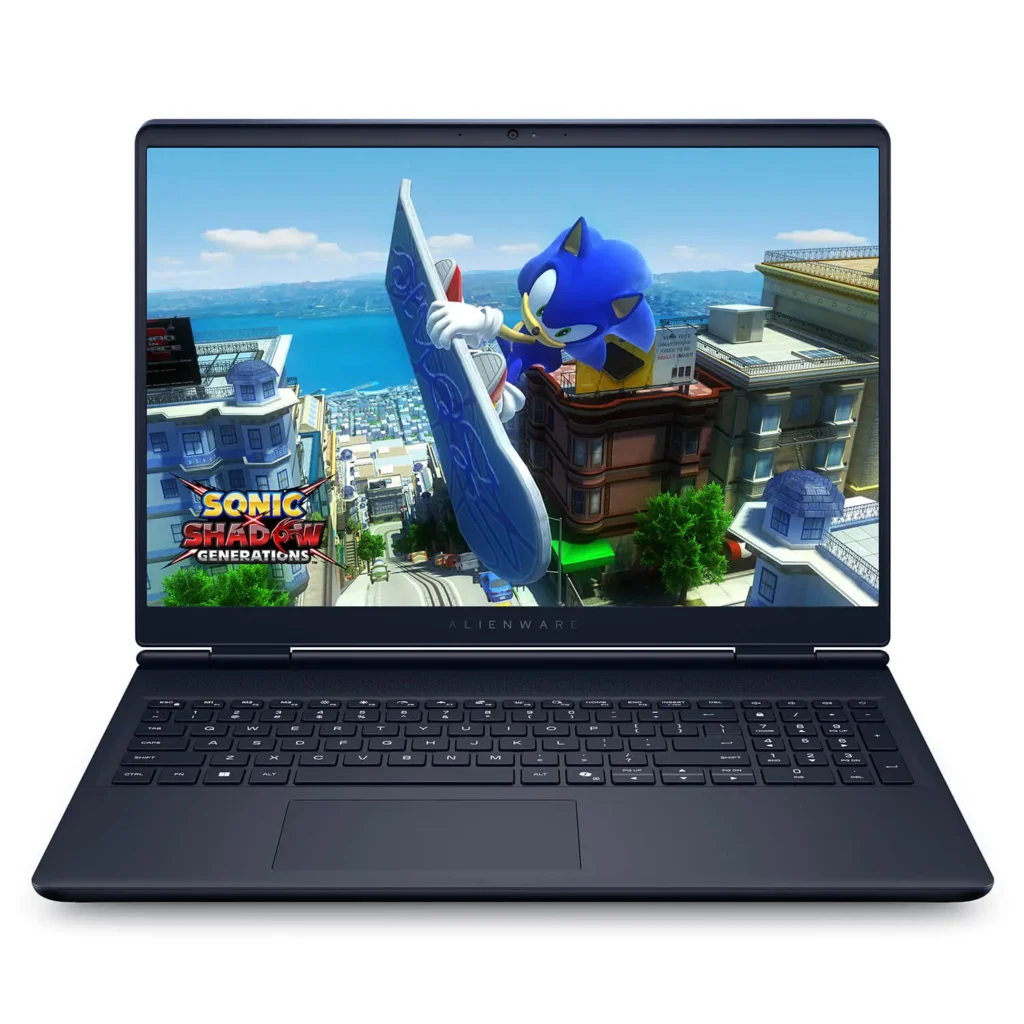
Best for : Gamers who love RGB and build quality that feels like a tank.
You can spot an Alienware from a mile away. The m16 R3 sticks to that iconic “Legend” design—it looks like something that fell out of a UFO. Unlike the flimsy plastic you find on budget builds, this chassis is mostly anodized aluminum and feels like an absolute unit.
Why it wins: It’s all about that raw wattage. Alienware’s “Cryo-tech” cooling (with the fancy Element 31 thermal interface material) allows the GPU to run at max TGP without breaking a sweat. If you want high FPS stability in marathon sessions, this is it.
The Trade-off: It is heavy. You are not going to enjoy carrying this in a backpack all day. Also, the Alienware Command Center software is still… well, a bit clunky and bloat-heavy compared to others.
The Verdict: If you don’t mind the weight and want a laptop that screams “I am a gamer,” the m16 is a top-tier desktop replacement.
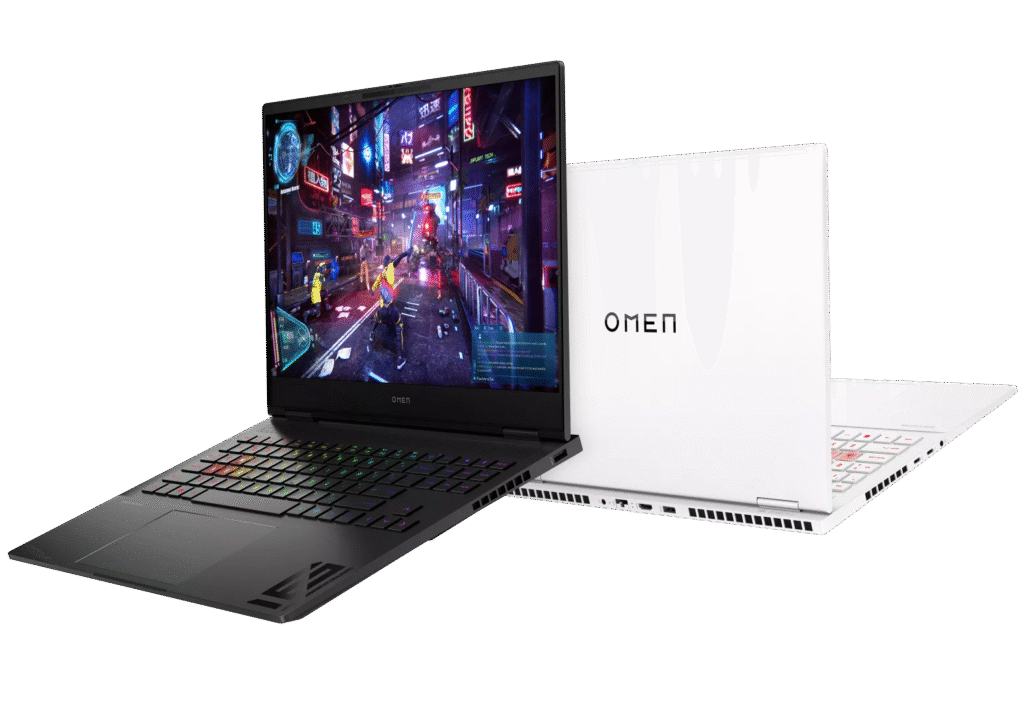
Best for : Creatives, hybrid workers, and anyone who hates the “edgy gamer” look.
If the Alienware is a tank, the HP OMEN Transcend 16 is a stealth bomber. This is the “grown-up” gaming laptop. HP has ditched the aggressive angles for a clean, boxy minimalist design that looks perfectly at home in a coffee shop or a boardroom meeting.
Why it wins: It’s shockingly light for a 16-inch device. The standout feature here is often the display—HP’s Mini-LED panels are absolutely gorgeous, delivering deep blacks and blindingly bright highlights that make HDR gaming pop.
The Trade-off: Physics is physics. Because it’s thinner (Slim), the fans have to work harder, so it can get a bit whiny under load. Also, watch out for the wobble—the screen hinges aren’t as stiff as the Legion’s.
The Verdict: The perfect “crossover” laptop. It has enough horsepower for AAA gaming but is portable enough to be your daily driver for work or school
Before you hit “Checkout,” keep these three things in mind:
Avoid the “Bloatware” Trap: Most laptops come with pre-installed junk (McAfee, random trials). Tell the person you’re gifting it to: wipe that stuff immediately for a snappier experience.
RAM Matters: In 2025, 16GB is the bare minimum. Do not buy an 8GB laptop unless you plan to upgrade it yourself manually.
VRAM is King: If you have to choose between a better CPU or a better GPU, always pick the GPU with more VRAM (Video RAM). Modern games are texture-heavy and eat VRAM for lunch.
We don’t just guess these specs. For deep-dive technical benchmarks (thermal charts, fan noise decibels, and response times), we recommend checking out these trusted authorities who test units retail-ready:
Jarrod’s Tech (YouTube) – For the most detailed FPS comparisons.
NotebookCheck.net – For nitty-gritty details on screen brightness (nits) and PWM flickering.
RTINGS.com – For unbiased methodology on color accuracy and keyboard latency.