Physical Address
304 North Cardinal St.
Dorchester Center, MA 02124

Building a gaming computer in late 2025 presents a unique set of challenges and opportunities. While next-generation hardware pushes performance boundaries, prices often alienate the average gamer. However, if you are looking for a Budget PC that balances price, aesthetics, and raw 1080p performance, the combination of the NVIDIA RTX 5050 and the AMD Ryzen 5 5500 is currently the gold standard.
In this extensive guide, we will break down a specific “All-Black” gaming build that costs approximately $674. We will analyze why this is the definitive Budget PC for the current market, examine how rising memory chip prices (“Ramageddon”) are reshaping budget allocations, and evaluate the pros and cons of the Micro-ATX form factor.
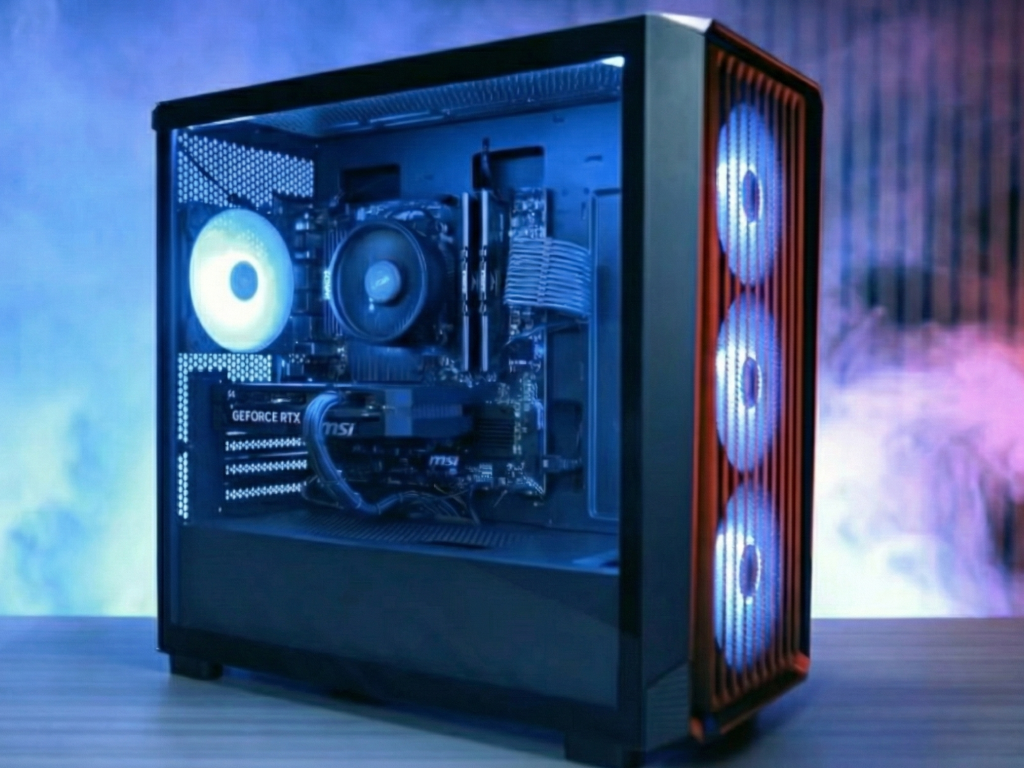
To achieve a sub-$700 price tag while maintaining high frame rates, every dollar must be optimized. Here is the breakdown of the components that make this Budget PC tick.
The Ryzen 5 5500 is currently the undisputed “King of Budget CPUs.” Operating on the mature AM4 platform, this 6-core, 12-thread processor offers incredible value at just $75.
Why it was chosen: For gaming, single-core performance is key, and the 5500 delivers enough speed to not bottleneck mid-range GPUs like the RTX 5050.
The Compromise: Unlike its bigger brother, the Ryzen 5 5600, the 5500 has half the L3 cache and only supports PCIe Gen 3.0. However, in a strict Budget PC, these are acceptable trade-offs to save $30-$50.
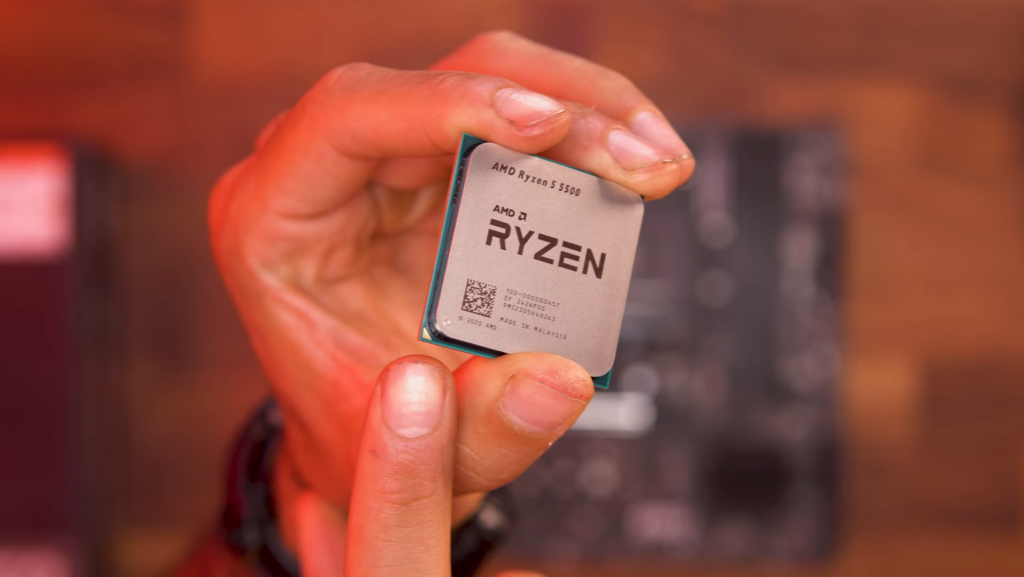
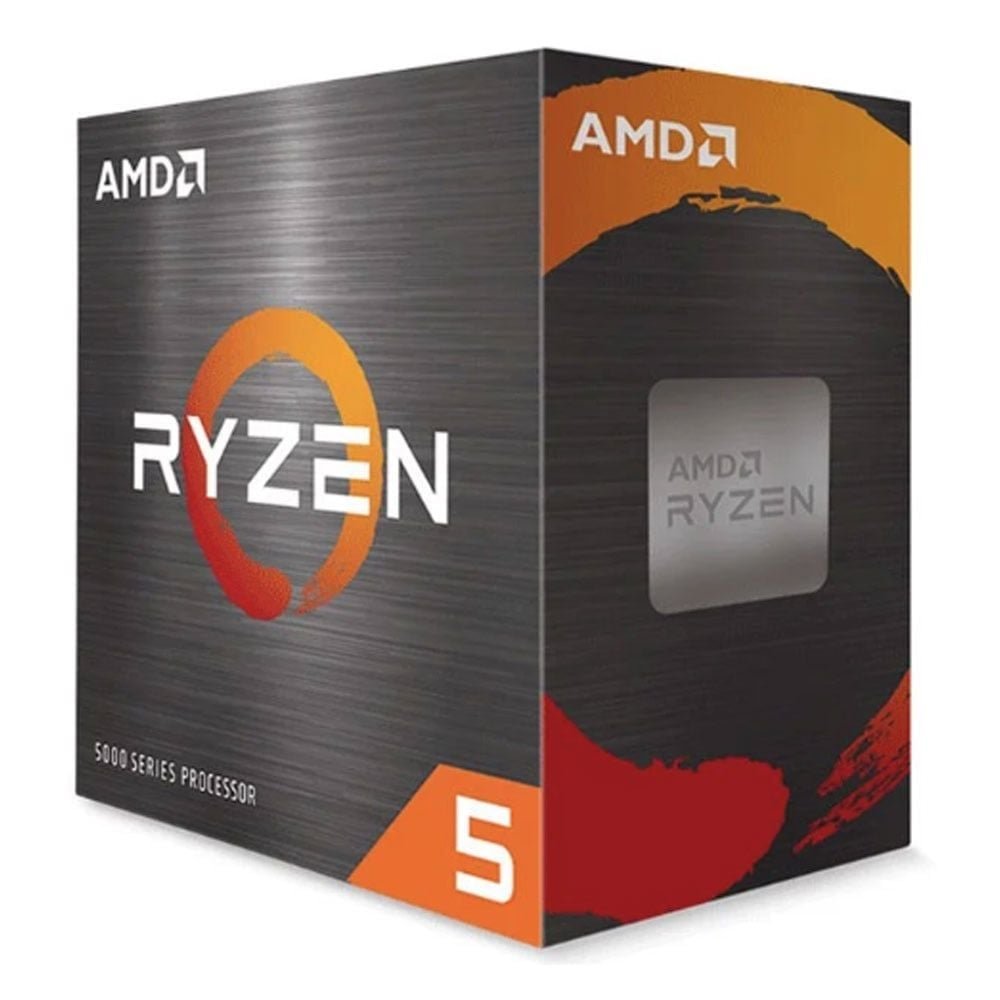
6-Core, 12-Thread Unlocked Desktop Processor with Wraith Stealth Cooler
$̵7̵9̵.̵9̵9̵ – $74.99
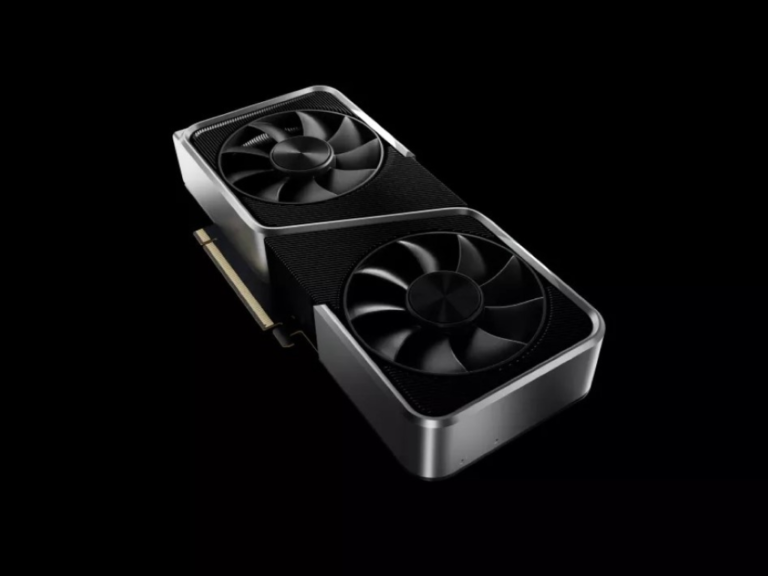
The star of the show is the RTX 5050 (Shadow 2x edition). At $250, it sits in the sweet spot for 1080p gaming.
Performance: It provides access to NVIDIA’s latest feature set, including DLSS 3 (and potentially newer iterations) and superior ray-tracing cores compared to AMD equivalents in this price range.
Aesthetics: The chosen model fits the “All-Black” theme perfectly, avoiding the “cheap” look often associated with entry-level cards.
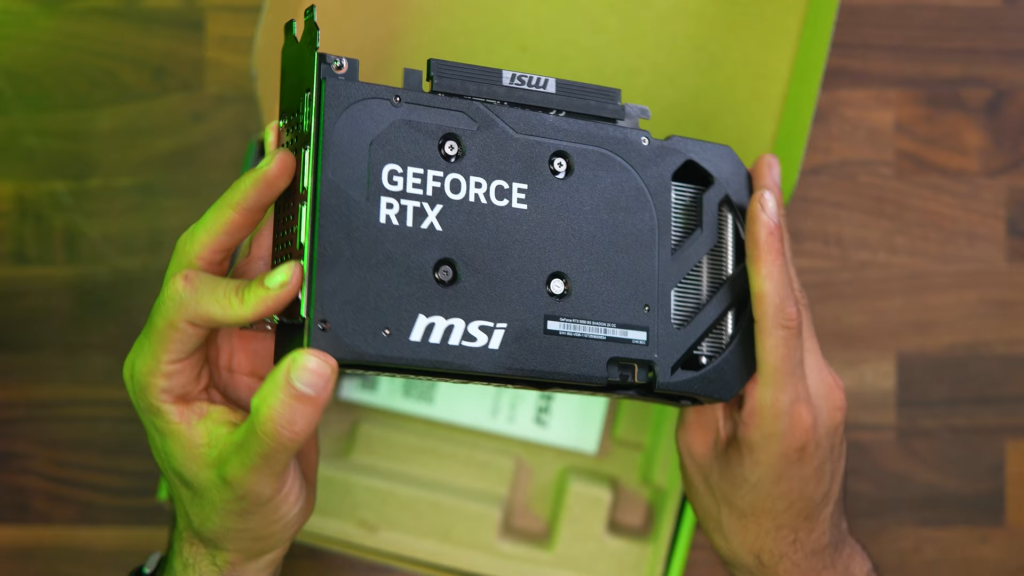
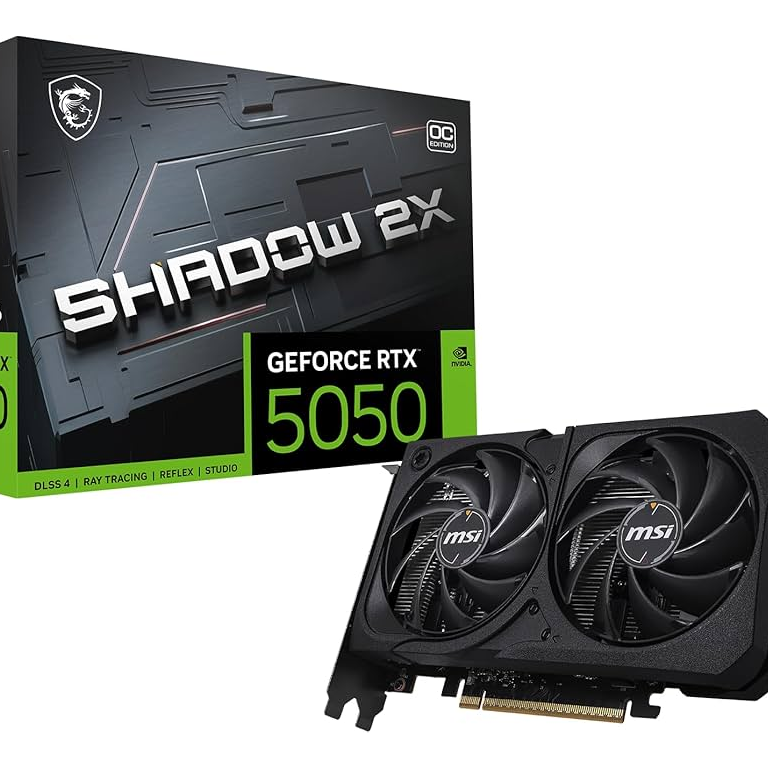
8GB GDDR6,128-bit, Extreme Performance: 2617 MHz
$249.99 – $219.99
We selected a Micro-ATX board that punches above its weight. Even in a Budget PC, connectivity is vital. This board includes built-in Wi-Fi and Bluetooth, saving the user from buying separate adapters. It also features a heatsink for the primary M.2 slot, ensuring the SSD maintains peak speeds without thermal throttling.
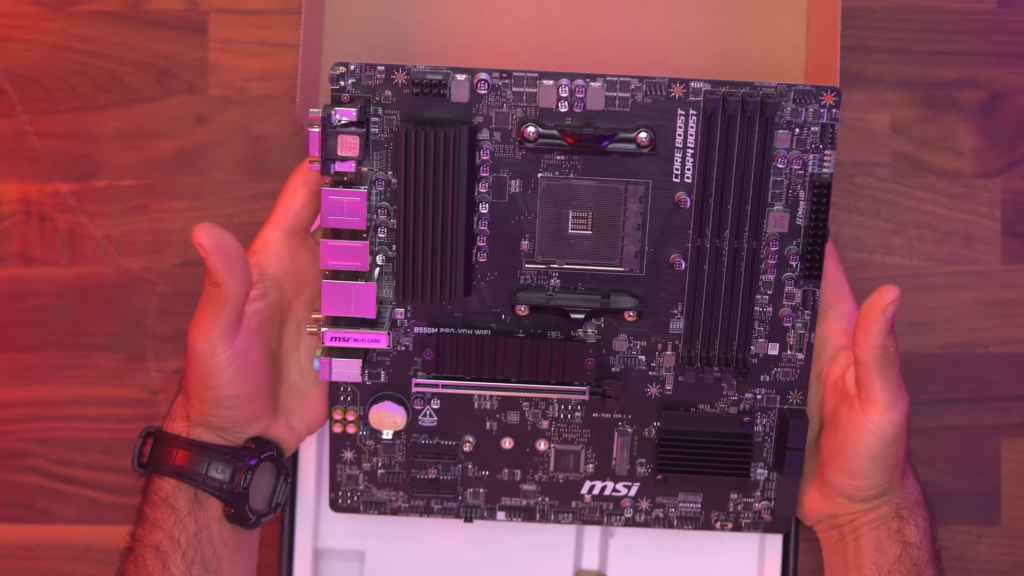
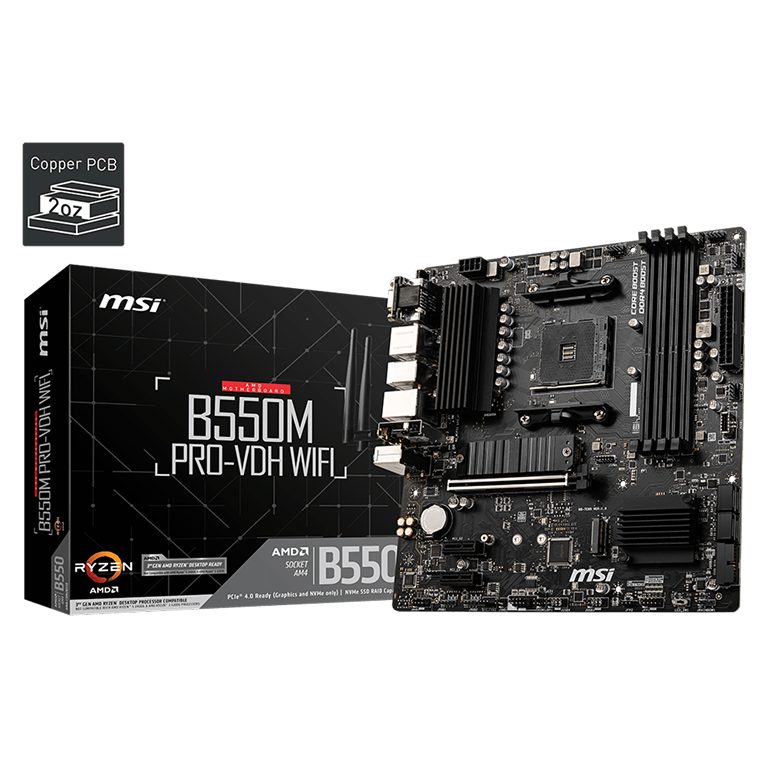
AMD Ryzen 5000, AM4, DDR4, PCIe 4.0, Wi-Fi, Bluetooth, Micro-ATX
$94.99 – $84.99
For the system memory, we selected a kit that is a staple in the PC building community: the G.SKILL Ripjaws V Series 16GB (2 x 8GB) DDR4-3200MHz.
Performance & Compatibility: This kit is widely regarded as the “gold standard” for Budget PC builds using Ryzen processors. The Ryzen 5 5500 relies heavily on memory speed due to its Infinity Fabric architecture. The Ripjaws V delivers a stable 3200MHz speed with CL16 latency, which is the mathematical “sweet spot” to ensure your CPU isn’t bottlenecked during high-FPS gaming.
Surviving “Ramageddon”: The market is currently experiencing a massive price spike for DDR4 memory. While premium kits with RGB lighting have become unaffordable for a sub-$700 build, the G.SKILL Ripjaws V remains a strategic choice. It strips away the fancy lighting but keeps the high-quality aluminum heat spreader. This allows us to maintain the necessary 16GB capacity without breaking the bank, although the inflated price still forced us to compromise on the SSD capacity.
Aesthetics & Form: The “Ripjaws” design features an aggressive, angular black heat spreader that fits perfectly with our “All-Black” theme. Unlike cheap green PCB sticks, this RAM makes the motherboard area look dense and premium.
Crucial Setup Note: Simply plugging this RAM in isn’t enough. You must enter the BIOS and enable the XMP 2.0 Profile. If you skip this step, this high-performance kit will run at a default, sluggish 2133MHz, significantly hurting your gaming performance.
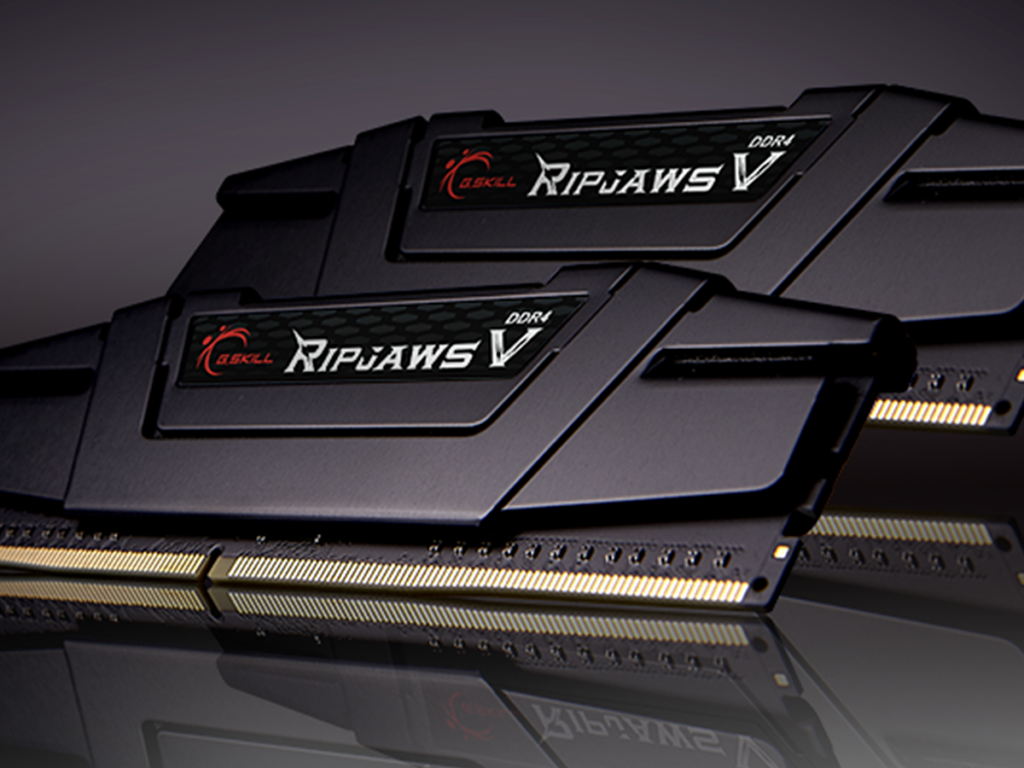
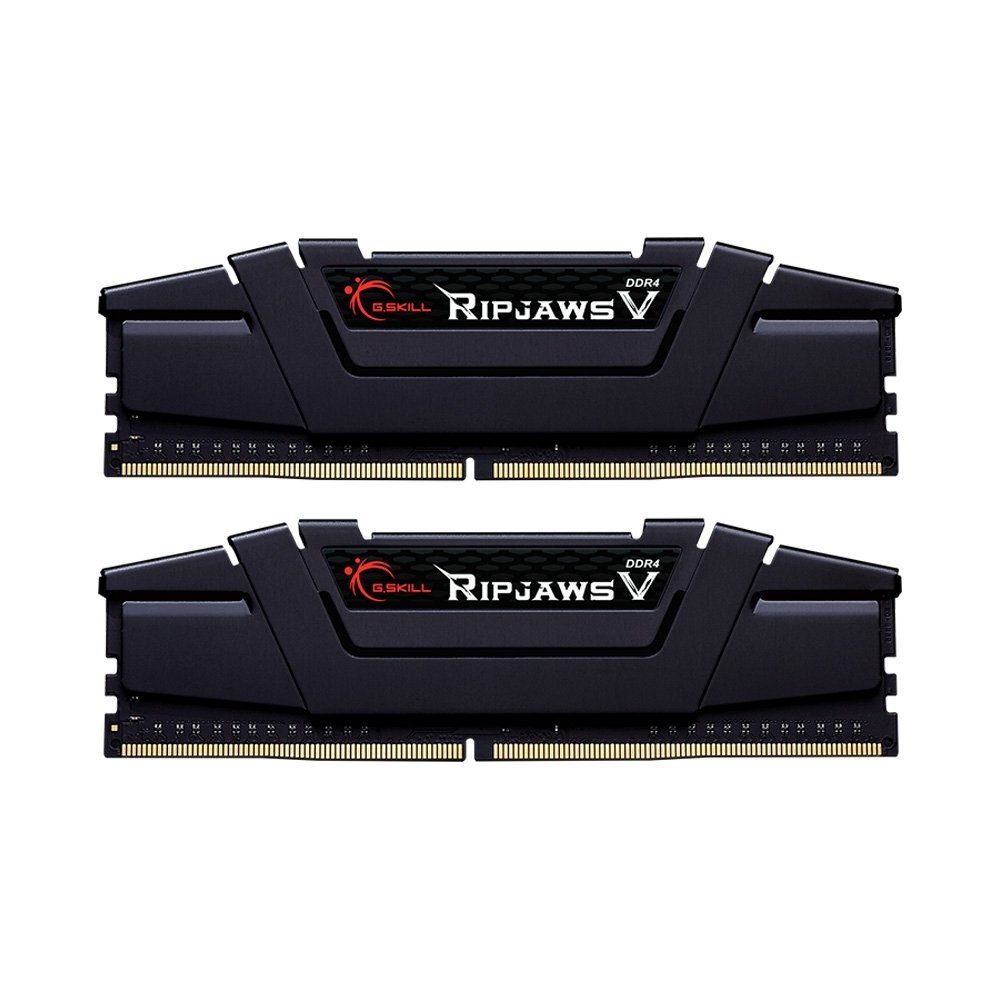
DDR4-3200MHz, CL16-18-18-38 1.35V, U-DIMM
$104.99( Increasing )
To accommodate the inflated RAM prices, the storage took the biggest hit. We selected the KingSpec 256GB M.2 NVMe SSD.
Capacity vs. Cost: In an ideal world, a 1TB SSD is the standard for any gaming PC. However, forcing this build under $700 meant dropping to 256GB. This is a severe limitation for a Budget PC in 2025, where games like Call of Duty can exceed 100GB alone.
Performance: The silver lining is the speed. Even though it is small, it is an NVMe drive (not an older SATA SSD), boasting read speeds of around 2400MB/s. This ensures Windows boots instantly and games load quickly, preserving the “snappy” feel of the system.
Upgrade Advice: This component is the first thing you should upgrade. It serves as a fast boot drive to get you started, but you will likely need to add a secondary SATA SSD or HDD within a few months.
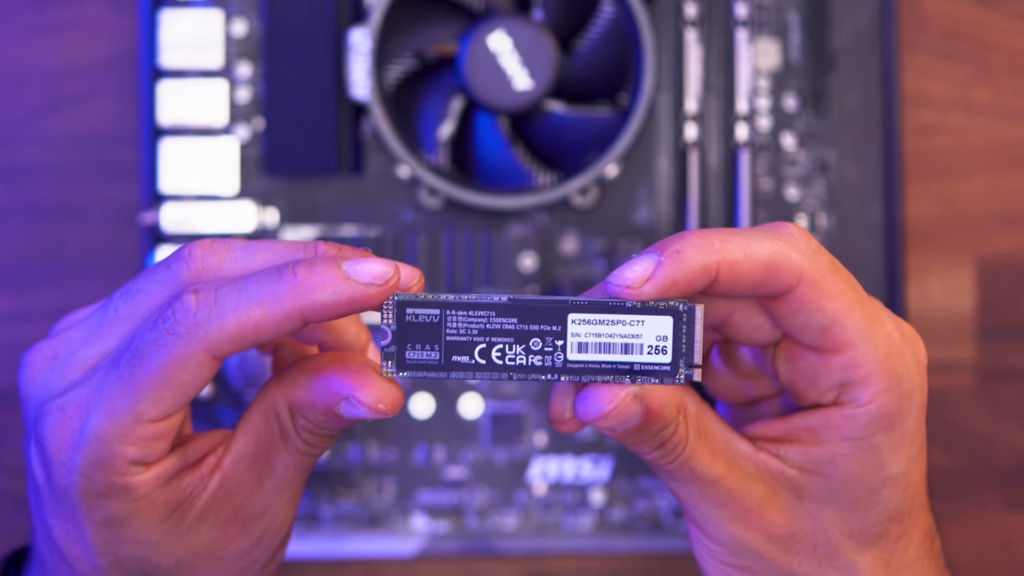
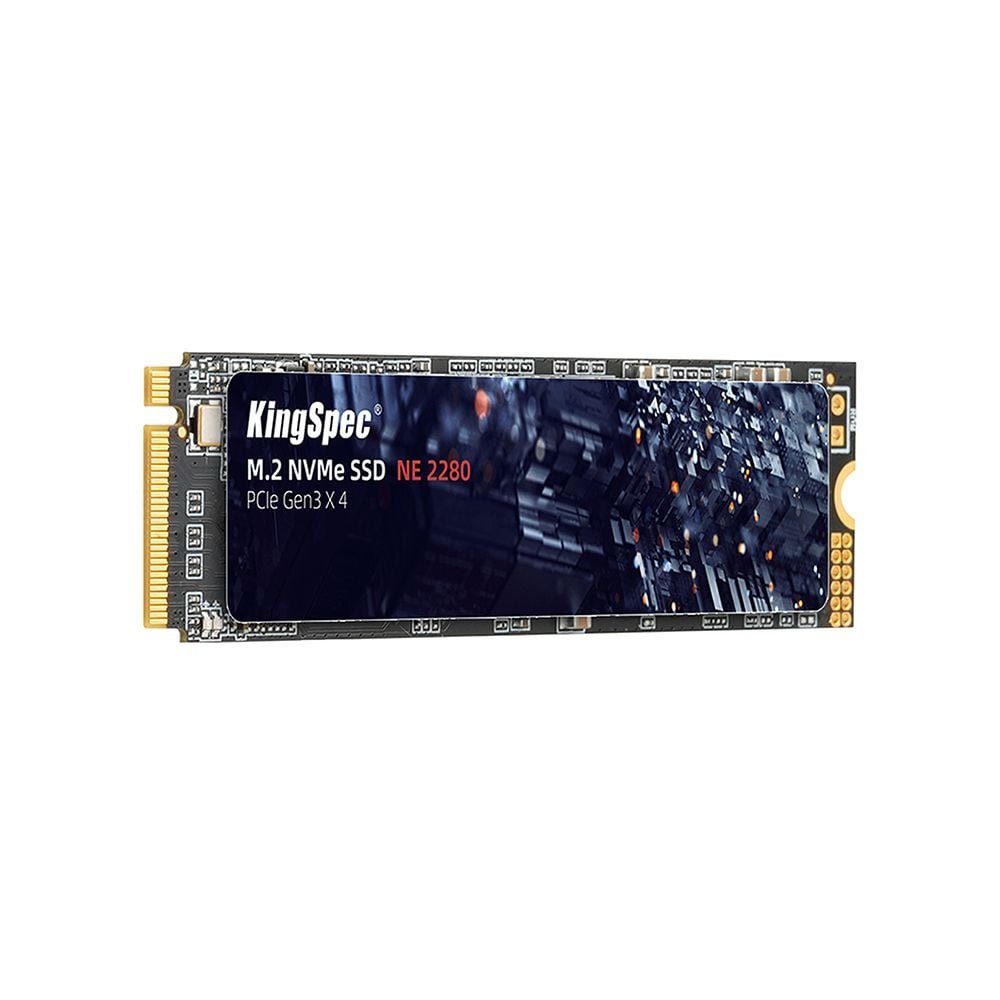
M.2 NVMe Gen3x4 SSD 2280 – Up to 2400MB/s
$39.99
For the power supply, we chose the Segotep 650W 80 Plus Gold Certified PSU.
Why 80 Plus Gold? Usually, Budget PC builds rely on “White” or “Bronze” rated units to save money. However, finding a Gold-rated unit at this price point is a steal. It ensures higher efficiency (less electricity wasted as heat) and typically indicates better internal component quality than generic units.
Non-Modular Drawback: To keep the cost low, this unit is non-modular, meaning all cables are permanently attached. In a compact Micro-ATX case, this results in a “rat’s nest” of unused cables that must be stuffed into the PSU shroud. It’s messy, but it doesn’t affect performance.
Wattage Headroom: At 650W, this PSU provides ample headroom. The RTX 5050 and Ryzen 5 5500 combined draw very little power (likely under 300W under load), meaning this PSU runs cool and quiet, and leaves room for a future GPU upgrade (up to an RTX 5070 class card).
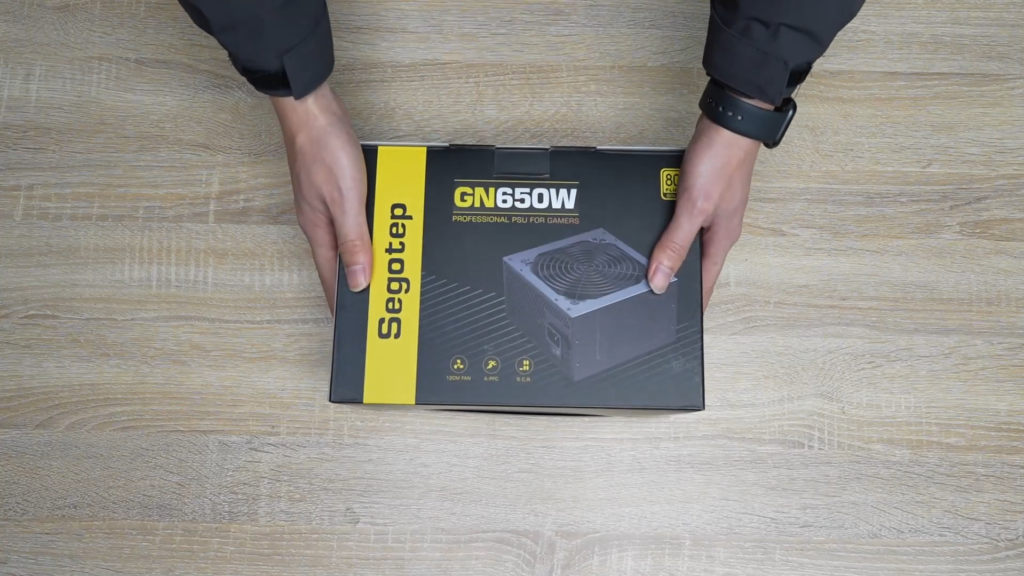
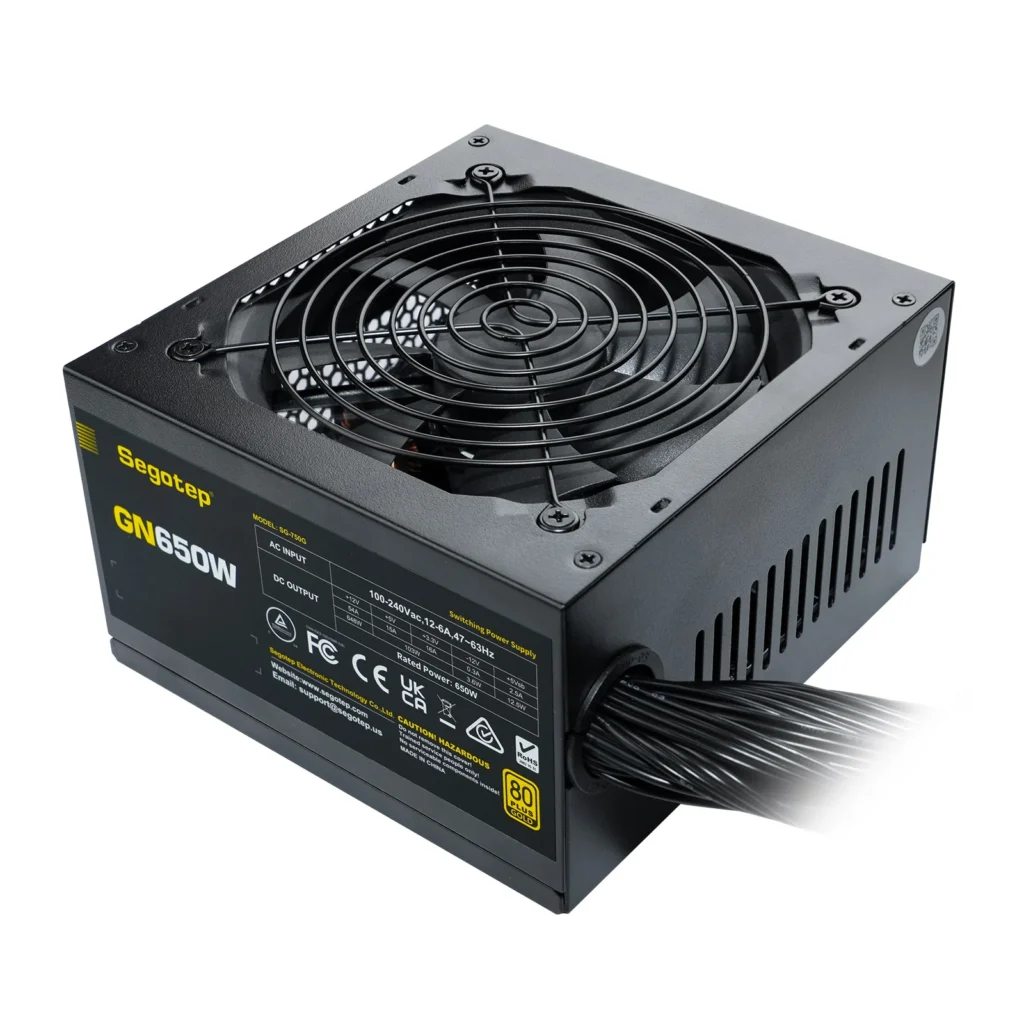
Non-Modular ATX
$54.99
We housed our components in the Montech Air 100 ARGB (Black Edition), a Micro-ATX tower that offers arguably the best value on the market.
Form Factor Analysis: The Micro-ATX form factor is physically smaller than standard ATX. This saves desk space and reduces the cost of materials. The downside is that working space is tight. During the build, plugging in the CPU power cable at the top left of the motherboard can be a struggle for those with large hands.
The “Value” Secret: The main reason this case was chosen for our Budget PC is the included fans. It comes with four pre-installed ARGB fans and a fan controller hub.
Buying 4 separate ARGB fans would typically cost an extra $30-$40.
By getting them included for free, Montech allows us to divert that money back into the graphics card.
Airflow: The mesh front panel ensures the RTX 5050 breathes easily, keeping temperatures low even during long gaming sessions.
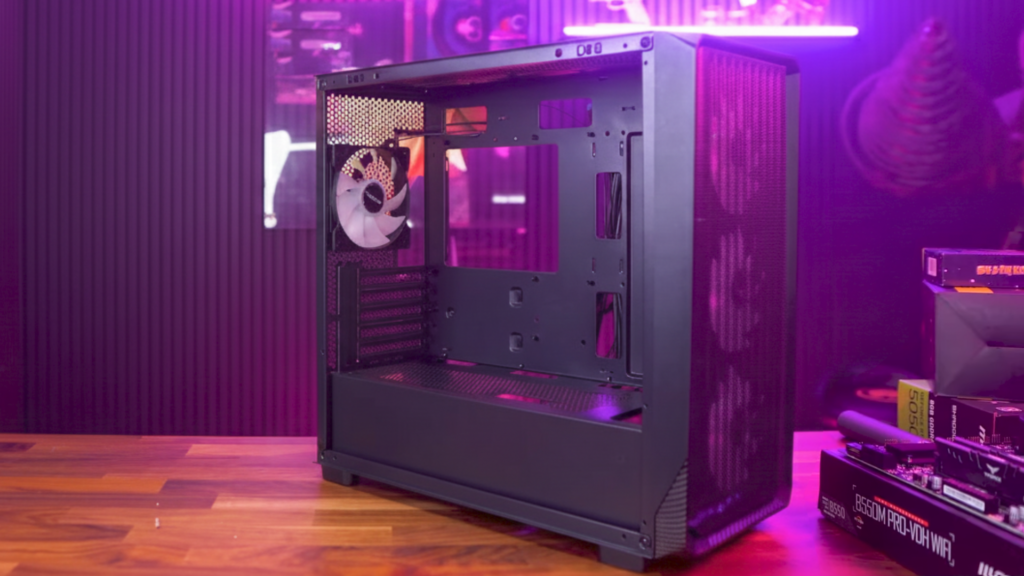
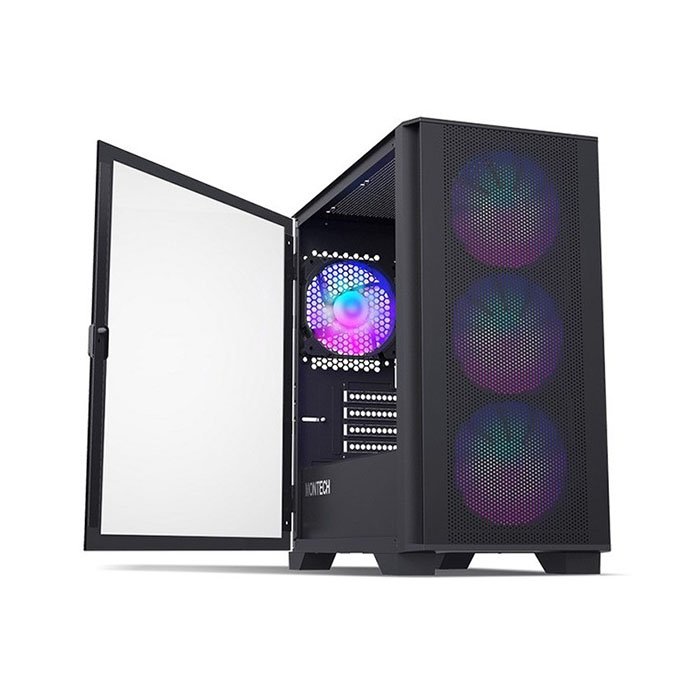
Non-Modular ATX
$78.54
Total price ( Dec 13th ): ~$660
A Budget PC is only as good as the gaming experience it provides. Based on real-world testing at 1080p Native resolution, here is how this RTX 5050 rig performs.
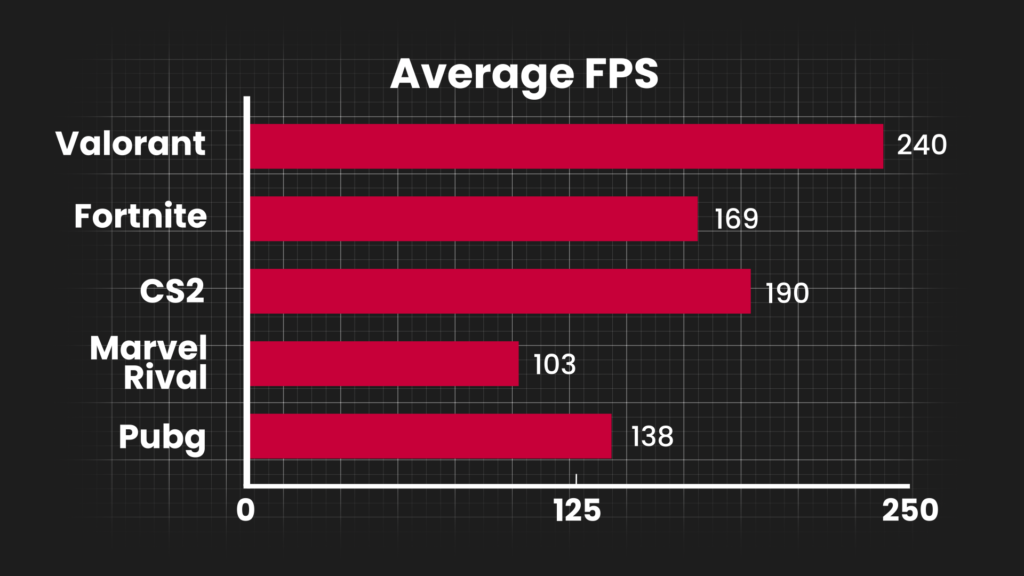
For competitive shooters, frame rate is king. This system proves it is a monster for esports titles:
Valorant: Averaging 240 FPS. This perfectly matches 240Hz monitors, providing a pro-level experience.
Fortnite (Performance Mode): Averaging 169 FPS. Even in chaotic building battles, the system stays smooth.
Counter-Strike 2 : You can expect similar results, easily clearing the 144Hz threshold.
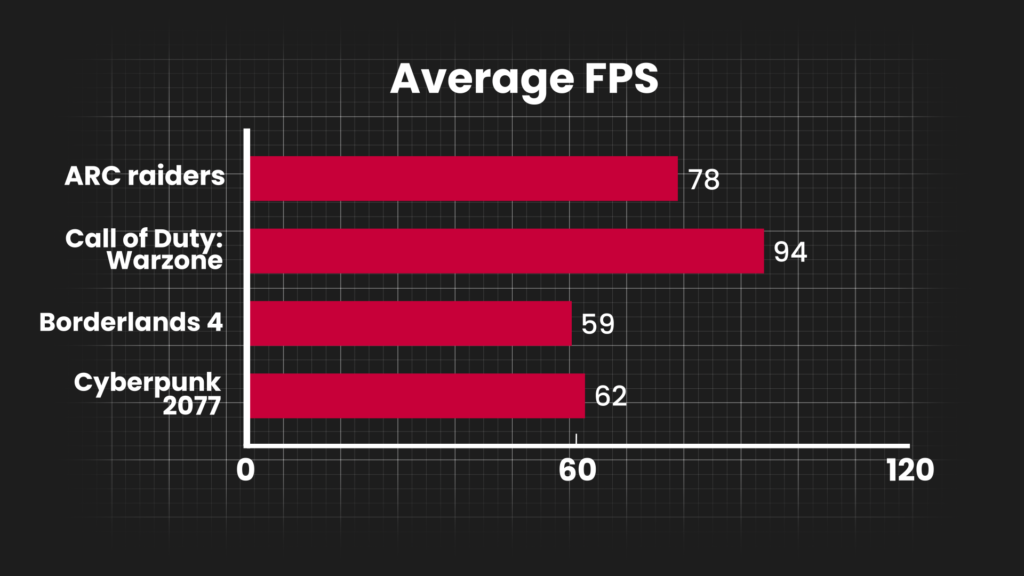
For graphical powerhouses, the goal is a stable 60 FPS.
Cyberpunk 2077: Averaging 62 FPS (Low/Medium settings). This is the ultimate stress test. Being able to play Cyberpunk smoothly on a sub-$700 machine is a testament to the RTX 5050’s capabilities.
Call of Duty: Warzone: Averaging 103 FPS. A smooth experience for a battle royale that is notoriously unoptimized.
Borderlands 4: Averaging 59 FPS. This sits right on the edge of the “golden standard” for smooth gameplay, showing that for next-gen titles, you may need to rely on DLSS upscaling to push frame rates higher.
Before diving into the specific parts, it is crucial to understand the economic environment surrounding this Budget PC build. Usually, when building an entry-level system, builders rely on falling prices of older DDR4 memory to allocate more funds to the GPU or Storage. However, we are currently witnessing a phenomenon casually referred to as “Ramageddon“.
In the video analysis, a significant price anomaly was noted regarding the RAM. A standard kit of Corsair Vengeance (or similar) 16GB 3200MHz DDR4, which typically retails around $42, has spiked to nearly $105 due to shortages.
For a Budget PC builder, a $60 price hike on a single component is devastating. It forces compromises in other areas to stay under the $700 hard cap. In this specific build, the “Ramageddon” tax forced a reduction in storage capacity (dropping from a 1TB SSD to a 256GB SSD) just to maintain the necessary RAM speed and capacity. This highlights a critical lesson in PC building: market fluctuations dictate your component list just as much as compatibility does.
No build is perfect, especially when working with a strict financial cap. Let’s analyze the critical highs and lows of this specific Budget PC.
Price-to-Performance Ratio: Achieving nearly 140 FPS in PUBG and over 100 FPS in Warzone for under $700 is exceptional value.
Aesthetics: Most budget builds look like a mess of rainbow cables and mismatched parts. This build focuses on an “All-Black” matte finish, making it look premium and stealthy.
Cooling: The Montech case comes with 4 pre-installed fans. Usually, budget cases come with only 1 or 2, forcing users to buy more. This is a massive “hidden” saving.
Upgrade Path: The AM4 platform, while older, still allows for upgrades to the Ryzen 7 5700X3D or 5800X3D in the future, which are arguably some of the best gaming CPUs ever made.
Storage Bottleneck: The biggest weakness is the 256GB Klevv SSD. After installing Windows (approx. 30GB), you are left with barely 200GB. With modern games like Call of Duty taking up 100GB+ alone, you can only install 2 or 3 AAA games at a time. This was a direct result of the high RAM prices.
Power Supply (PSU): The build uses a generic 650W non-modular PSU. While it works, the “ketchup and mustard” colored cables can ruin the look (mitigated by extension cables in the video, but that adds cost), and non-modular units make cable management in a Micro-ATX case very difficult due to the excess cable bulk.
PCIe 3.0 Limitation: The Ryzen 5500 only supports PCIe 3.0. While the RTX 5050 performs fine on this interface, future, more powerful GPUs might see a slight performance penalty due to bandwidth limitations.
In conclusion, this RTX 5050 and Ryzen 5 5500 combination represents the absolute pinnacle of what a Budget PC can achieve in late 2025. Despite the market volatility caused by high memory prices, smart component selection—such as opting for the Micro-ATX form factor and a value-king CPU—allows gamers to enjoy high-refresh-rate gaming without breaking the bank.
While the storage capacity is a temporary pain point, storage is the easiest component to upgrade later. The core foundation of this system is solid, stylish, and surprisingly powerful.
Are you planning to build this system, or would you swap the CPU for a different model? Let us know your thoughts in the comments below!